(Designer) Cinematics
I honestly don’t know if this will be of interest to anyone, but I did a ton of cinematic work in Ray’s The Dead. I assume it is not common for level designers to also get their hands dirty with cinematics, but smaller studios that have generalists may appreciate it. Or perhaps a larger studio that is structured to have one person work on all aspects of a single level.
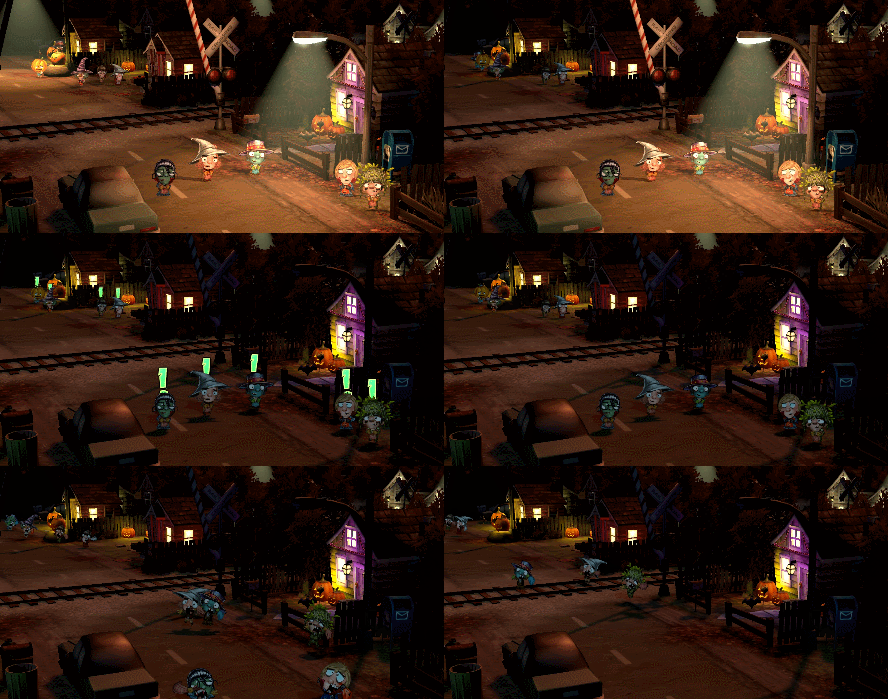
Anyway, Ray’s the Dead is heavily story based and therefore has a lot of dialogue and cinematics. Most levels start and end with some sort of cinematic, and all levels include dialogue breaks and sometimes more complex cinematics during the level. All of this is controlled with our visual scripting engine.
Like many other things, most level-in-progress cinematics are triggered by the player walking into an invisible trigger volume. Once this happens, a number of things happen.
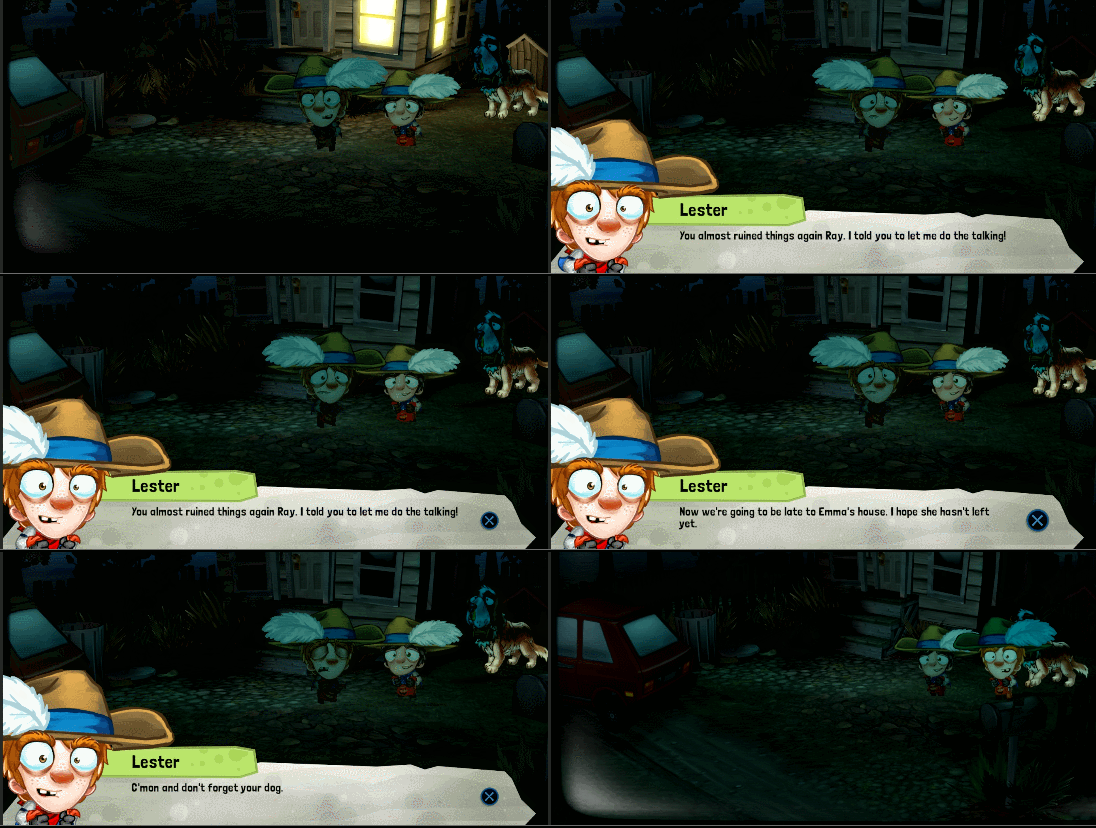
For a standard dialogue sequence, we bring black bars in from the top and bottom of the screen to a) make it feel like a cinema and b) make it clear to the player that they are not controlling the player during this sequence. We also have a text bar, character portrait, and character name plate appear. Of course this all changes as focus shifts from one character to another.
Often, both the in-game character and the portrait are visible at the same time. Both have talking animations that include a variety of different emotions. We don’t have lip-syncing so I didn’t have a specific animation for each line of dialogue (thankfully!). Instead I would choose an emotion (happy, excited, angry, livid, etc..)
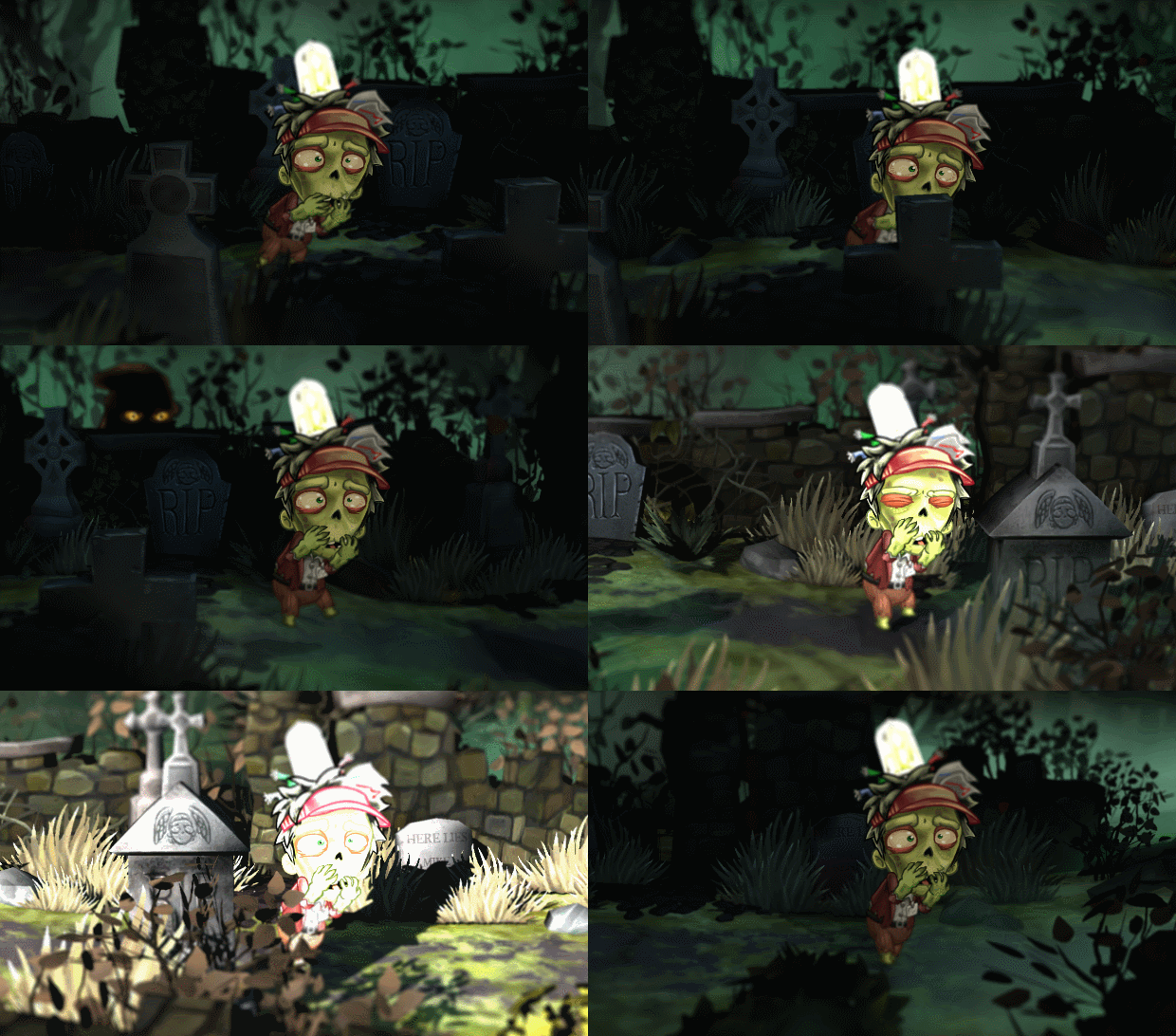
For a more elaborate cutscene, we will dislodge the camera from its anchor to the player and warp it to a different location. I set nodes all throughout the level that dictate the location and orientation of the camera, and we can not only snap the camera to any of those points, but often interpolate between them at varying speeds.
Both kinds of cinematics often involve in-game characters doing various things other than talking. They will walk from one spot to another, jump down from a rooftop, push another character down etc. These all involve having invisible nodes in the environment and scripts that move the characters from one spot to another. Most of these situations will take place between lines of dialogue.
So an example sequence would look like:
Player presses X to advance dialogue -
Character A walks from current position to Node <endpoint> at a speed of x.
When character arrives at Node <endpoint> play animation - “Push” - At the same time play animation <knocked down> on Character B
75% of the way into <knocked down> animation, play particle effect "DustKickup” and sound effect “DirtThud” at character B location -15 units (to bring it to the ground).
Wait .75 seconds.
Initiate the next line of dialogue.